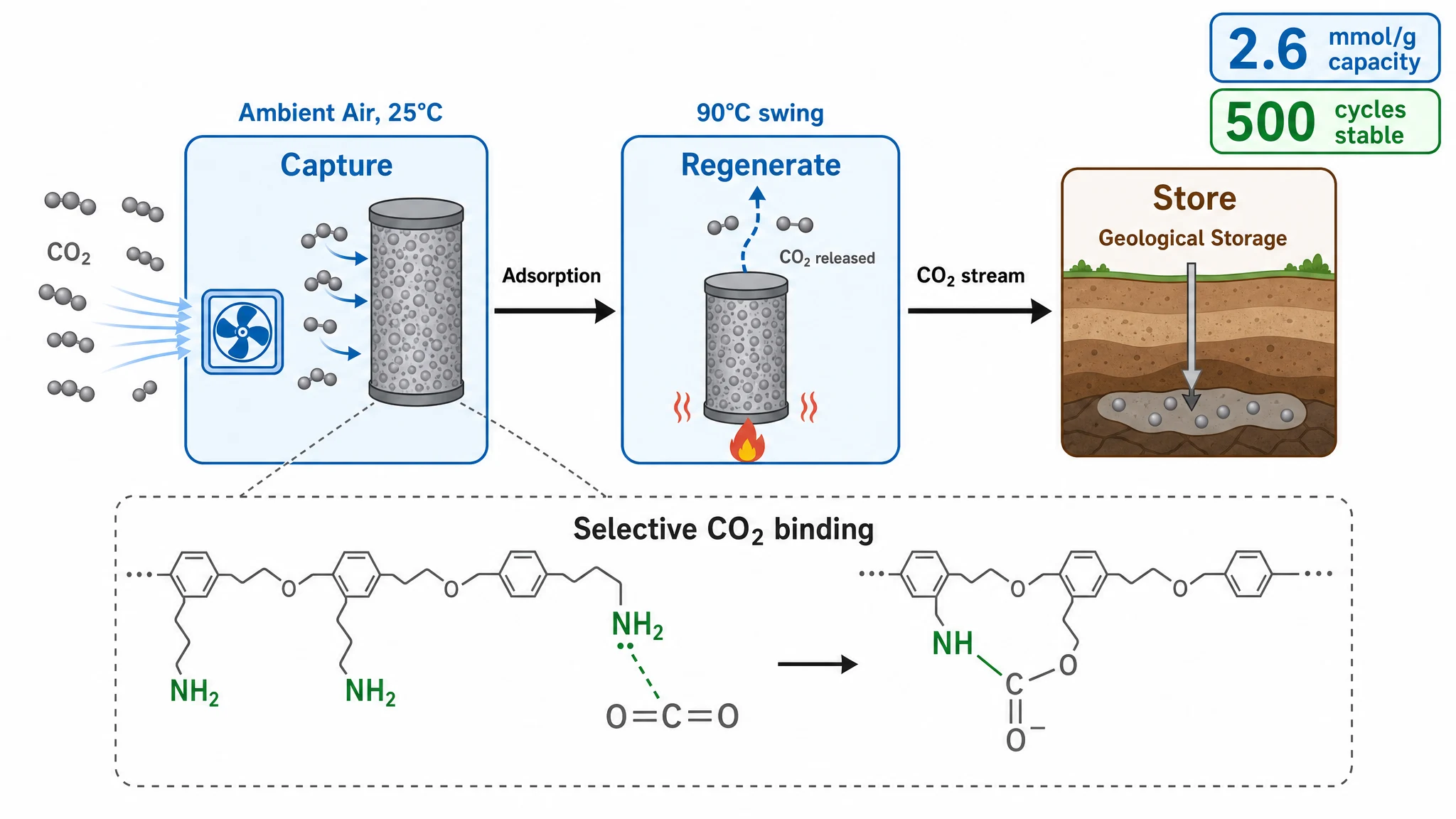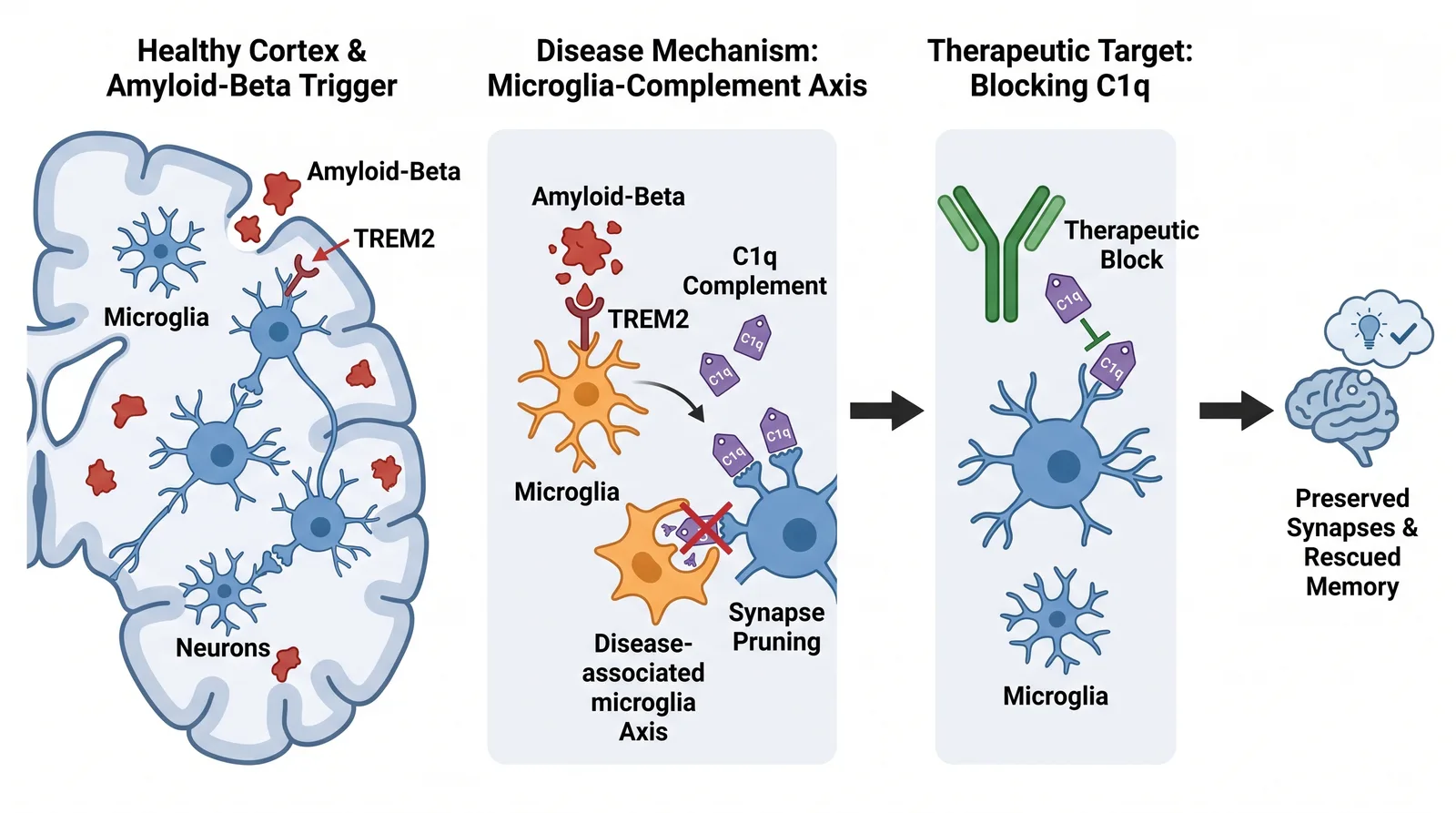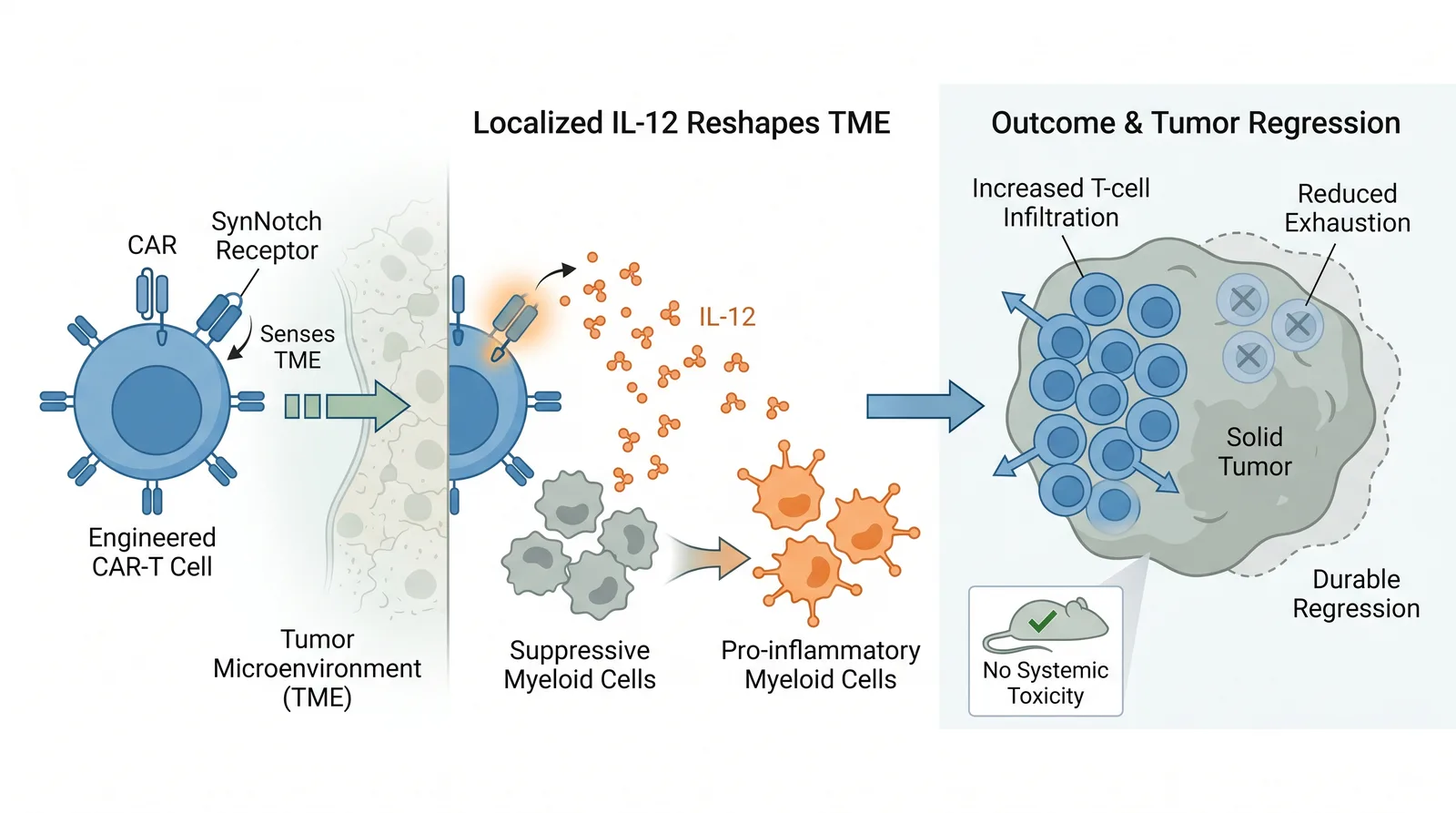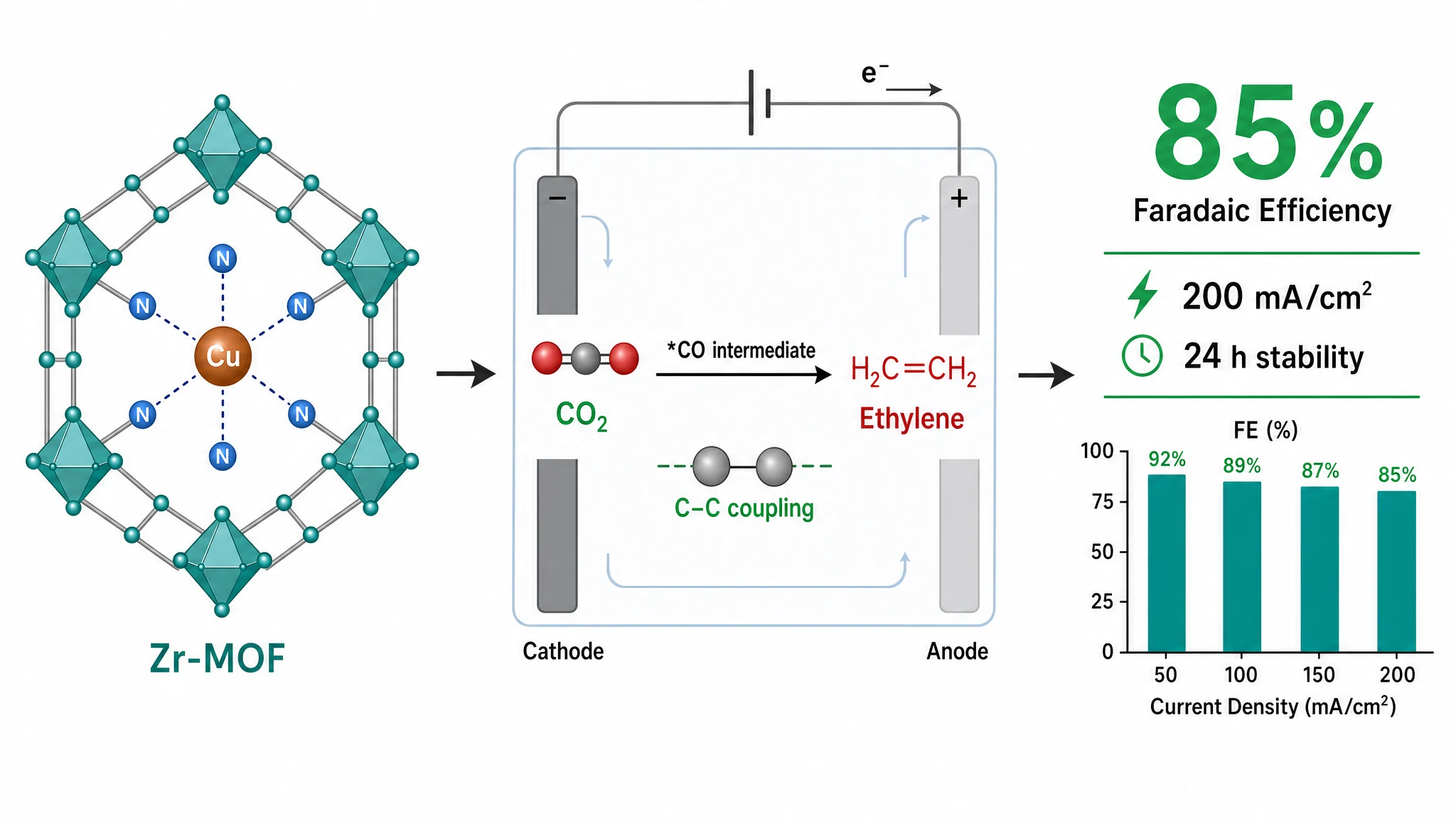
Almost every publisher requires a graphical abstract at 300 DPI minimum, but the dimensions vary widely: Cell Press wants a 1200 × 1200 px square, Elsevier wants a wide 1328 × 531 px landscape, and ACS wants a small banner. Get the size and resolution wrong and your figure can be bounced before review. Below is a quick-reference table, then the three specs that matter most.
These are common reference values based on publicly available author guidelines. Requirements change and vary by individual journal, so always confirm against your target journal's official guide before submitting.
| Publisher | Size | DPI | Color | Formats |
|---|---|---|---|---|
| Cell Press | 1200 × 1200 px (~102 mm sq) | 300 | RGB | TIFF, JPEG |
| Elsevier | min 1328 × 531 px (wide) | 300 | RGB | EPS, TIFF, PDF |
| ACS | ~3.25 × 1.75 in banner | 300 | RGB | TIFF, EPS |
| Nature | ~90 × 50 mm landscape | 300 | RGB/CMYK | TIFF, PDF, EPS |
| Wiley | varies (Angew. ~55×50 mm) | 300 | RGB | TIFF, EPS |
Browse the full set, including PLOS, Frontiers, and Science, on our journal specifications hub.
300 DPI is the near-universal floor for color graphical abstracts. Screenshots, figures pulled from a slide deck, or images saved at 72 DPI will look fine on screen but pixelate in print — a frequent reason production teams send abstracts back. One nuance: ACS asks for 300 DPI on the color TOC graphic, but 1200 DPI on black-and-white line art. Check resolution before you submit with our DPI checker.
This is where most rejections happen, because the shape differs so much between publishers. A square Cell abstract submitted to Elsevier's 2.5:1 landscape window will be cropped or rescaled badly. Build to the target ratio from the start rather than stretching afterward.
Most journals display online in RGB; some chemistry titles still request CMYK for print. TIFF is the safest universal format; EPS and PDF preserve vector text. Avoid flattening text into a low-resolution raster.
The pattern is simple: 300 DPI everywhere, but dimensions are journal-specific. The fastest way to stay compliant is to start from the correct canvas. Graphab presets the size, DPI, and color space for each major publisher, so your export matches the guidelines without manual setup.
Paste your paper abstract and Graphab drafts a publication-ready figure, sized for your target journal.