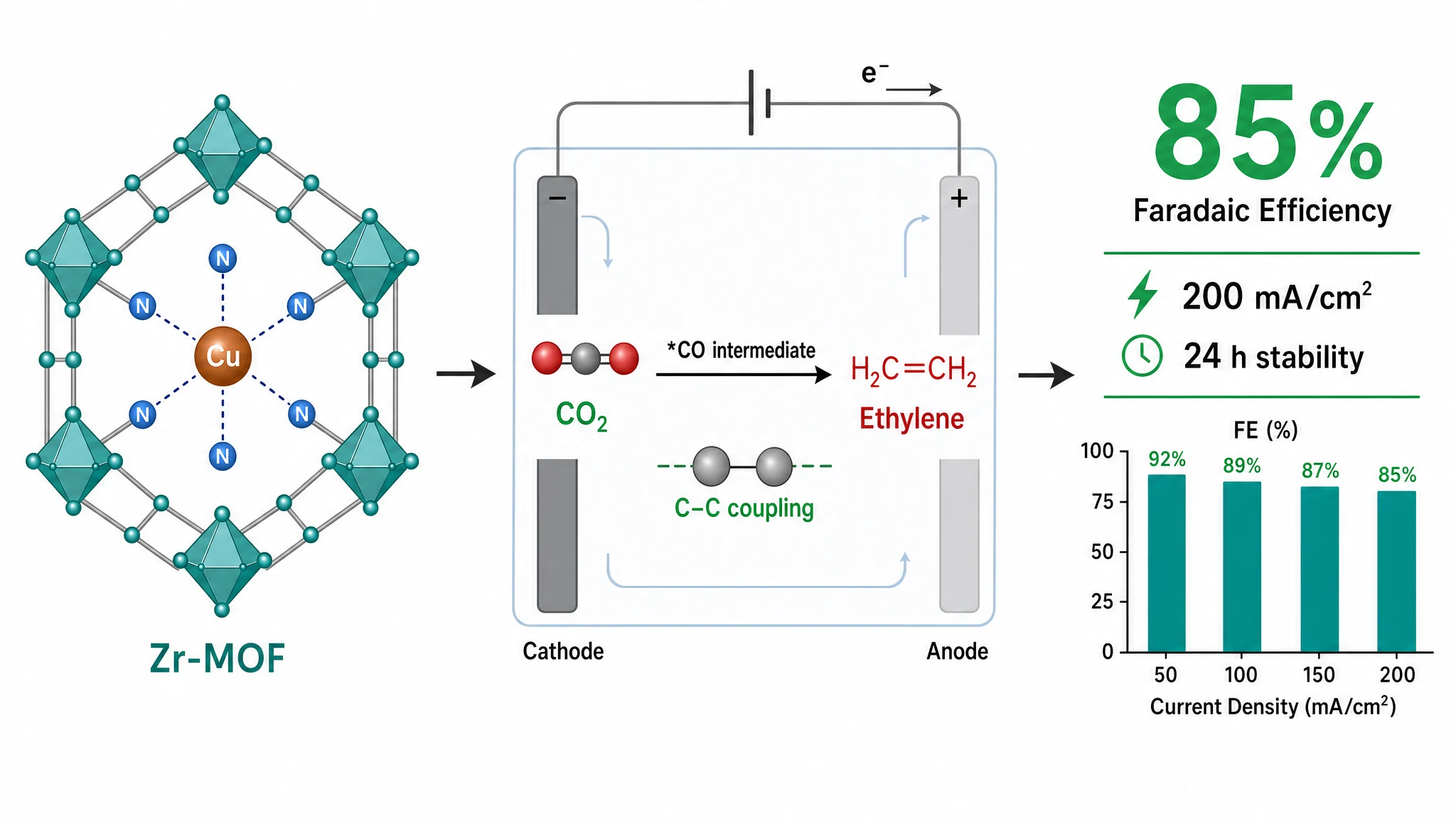
For most Elsevier journals, a graphical abstract should be about 112 × 45 mm (1328 × 531 px) at 300 DPI in RGB, in a landscape shape, submitted as TIFF, EPS, PDF, or JPEG. Always confirm the exact size against the Elsevier graphical abstract guidelines and your specific journal's author instructions before you submit.
| Requirement | Elsevier value |
|---|---|
| Shape | Landscape (wider than tall) |
| Working size | ~112 × 45 mm |
| Resolution | 300 DPI (minimum for halftone) |
| Color space | RGB |
| File formats | TIFF, EPS, PDF, or JPEG |
| Text | Minimal — legible on screen |
These reflect Elsevier's general guidance at the time of writing. Individual Elsevier journals can set their own requirements, so treat this as a working reference and check your target journal's submission page.
Elsevier displays the graphical abstract next to the article in ScienceDirect, so it needs to read instantly:
If you don't use Illustrator, you can build the figure from your paper directly. With Graphab the flow is:
Because the Elsevier graphical abstract requirements are built in as a preset, you get the right proportions and resolution automatically. Graphab exports at submission resolution as TIFF or PNG; use TIFF for an Elsevier submission (Elsevier also accepts EPS and PDF if your journal prefers a vector file).
For an Elsevier submission, aim for a landscape figure around 112 × 45 mm at 300 DPI in RGB, one clear message, minimal text — then confirm the live Elsevier graphical abstract guidelines. If you'd rather not build it by hand, Graphab turns your abstract or sketch into an Elsevier-sized figure in a few minutes.
Paste your paper abstract and Graphab drafts a publication-ready figure, sized for your target journal.