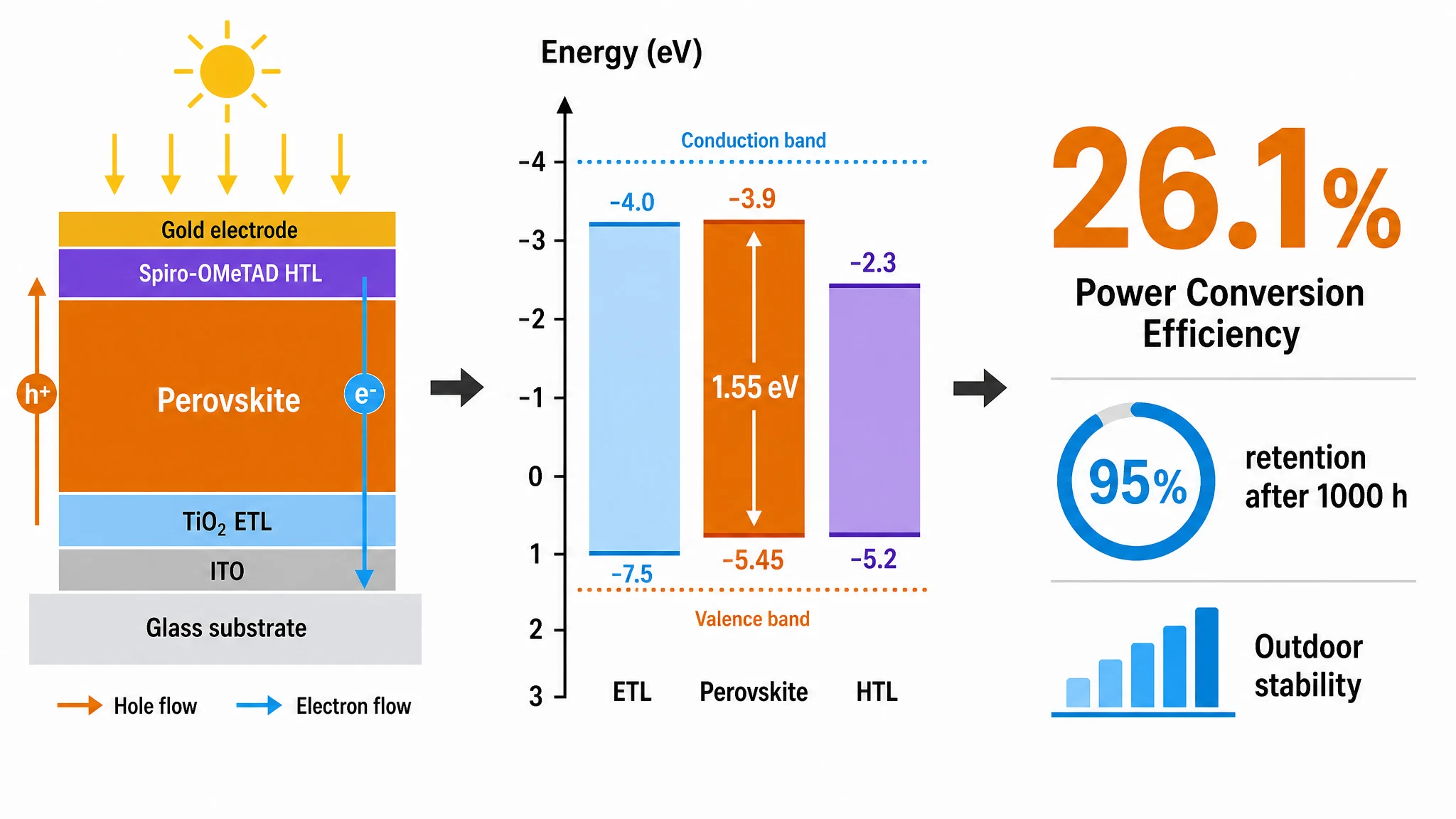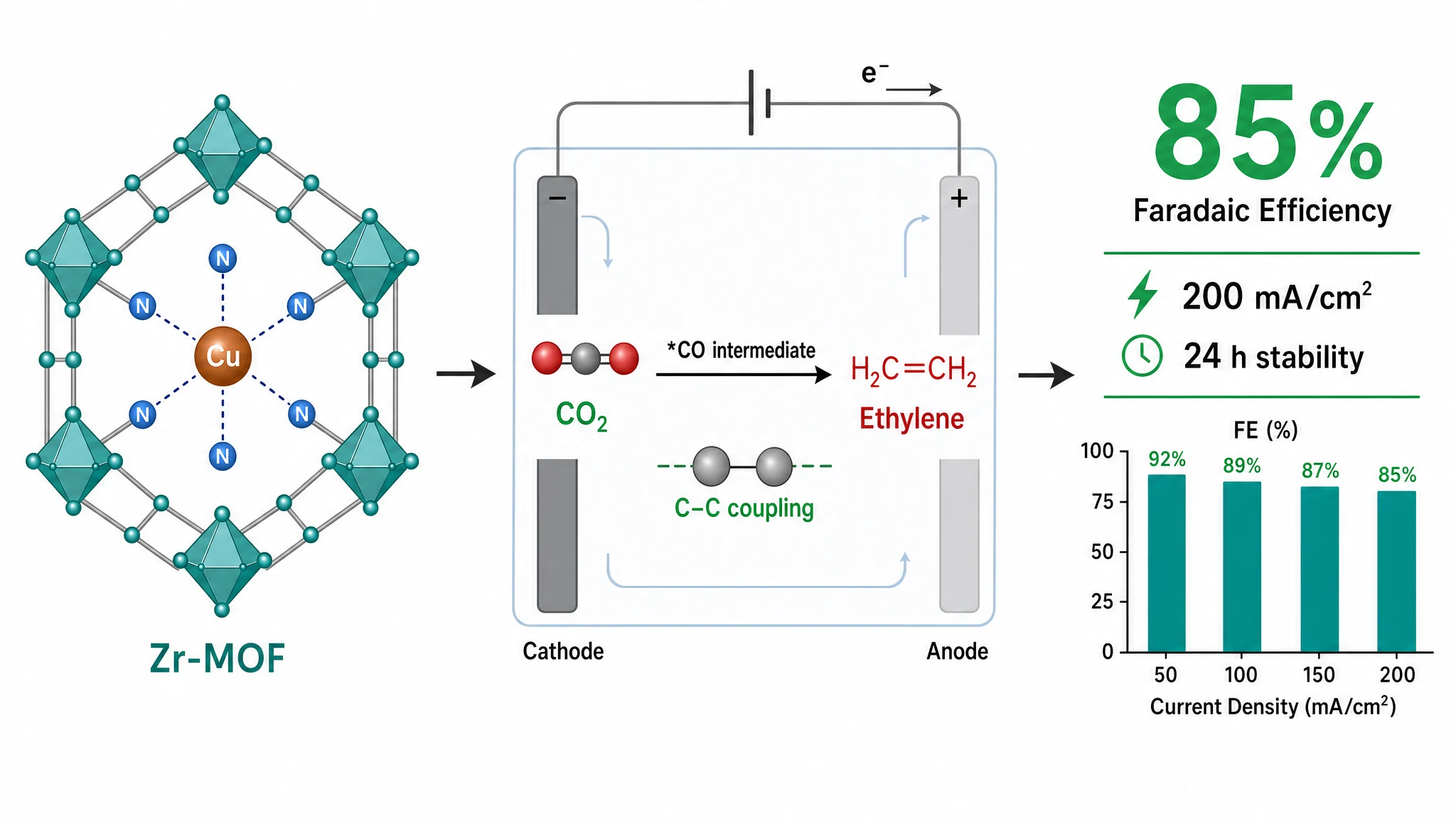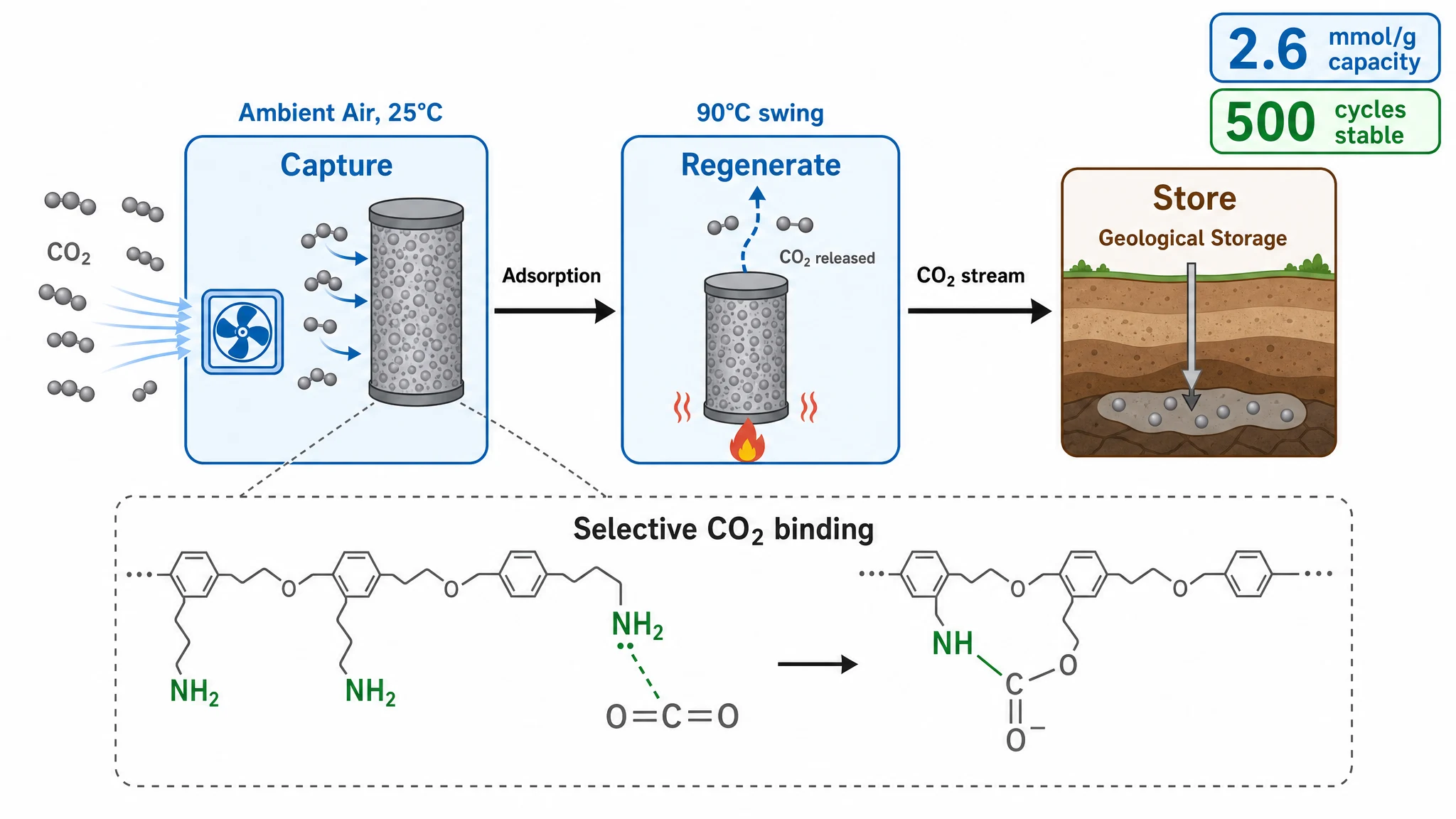
For graphical abstracts, TIFF is the safest choice for final submission — it's the format most publishers list first, and it preserves full quality with no compression artifacts. PNG is a fine, smaller alternative for online-only display, previews, and sharing with coauthors. Here's when each makes sense, and what to do if your journal specifically demands a vector format.
Both TIFF and PNG are lossless raster formats — neither degrades your image the way JPEG does. The practical differences:
| Format | Best for | Journal submission |
|---|---|---|
| TIFF | Final print-quality submission | Widely accepted, usually listed first |
| PNG | Web, previews, coauthor review | Some journals accept — check first |
| JPEG | Photos only | Often discouraged (lossy artifacts) |
TIFF files are larger but are the publishing industry standard and support high bit depth. PNG files are smaller, RGB, and support transparency — ideal for anything that lives on a screen.
Use TIFF when you're submitting the final figure, when the journal's author guidelines list TIFF, or when the abstract will be printed. Export at your journal's exact pixel dimensions and 300 DPI.
PNG is the practical pick for online-only display, quick previews, circulating a draft to coauthors, or any journal that explicitly accepts it. You get lossless quality at a fraction of the file size.
Neither TIFF nor PNG stores "quality" in the format itself. DPI is simply pixels divided by physical print size — a "300 DPI" figure just means it has enough pixels for its printed dimensions. So exporting at the right pixel dimensions matters far more than the format label. Verify yours with the DPI checker, and see our guide to graphical abstract size and DPI requirements for the numbers per journal.
Those are vector formats, used when your figure is built from editable text and paths. If your journal specifically requires vector artwork, you'll need a vector editor to produce that final file. In practice, raster TIFF (and often PNG) covers the majority of graphical-abstract requirements — but always confirm against your target journal's guidelines.
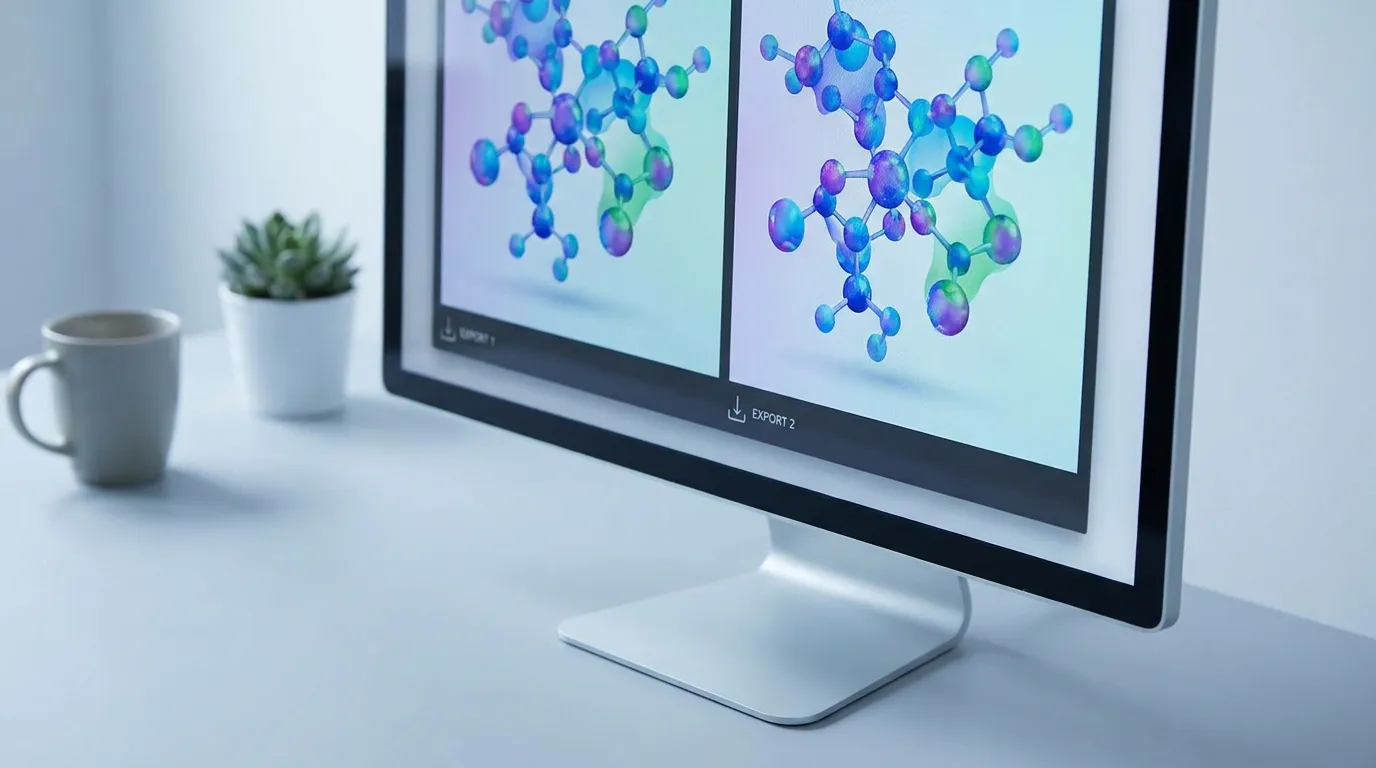
Default to TIFF for submission and PNG for everything on screen. Both are lossless; the real work is exporting at the correct dimensions and 300 DPI for your target journal. Graphab exports both TIFF and PNG at the right size and resolution for each major publisher, so you don't have to convert or guess.
Paste your paper abstract and Graphab drafts a publication-ready figure, sized for your target journal.