Graphical abstracts are usually rejected for mechanical reasons, not artistic ones: wrong dimensions, resolution below 300 DPI, unreadable text, or a file format the journal doesn't accept. Below are the seven reasons production teams flag most often, and how to fix each before you resubmit.
This is the single most common rejection. A square figure built for Cell Press won't fit Elsevier's wide landscape window, and rescaling afterward distorts everything. Build to your target journal's exact ratio from the start. Look up your journal's size on the specifications hub.
300 DPI is the near-universal floor for color figures. Screenshots, images pulled from a slide deck, or files saved at 72–96 DPI look fine on screen but pixelate in print — a frequent reason production sends abstracts back. Confirm resolution with our DPI checker before you submit.
Your abstract is displayed in a small window, often just a few centimeters wide. Labels that look fine on your monitor can become illegible once scaled down. Keep font sizes generous and avoid cramming in full sentences.
Journals list specific accepted formats — commonly TIFF, and sometimes EPS or PDF for vector artwork. A low-quality JPEG or a screenshot will often be bounced. Check the accepted formats for your journal and export accordingly; TIFF and PNG cover the majority of requirements.
A graphical abstract is a visual summary, not a poster. Trying to show every method and result at once produces a wall of tiny elements. Pick the single key finding and design around it. White space is not wasted space.
Reusing figures, logos, or icons you don't have rights to can trigger a rejection at the permissions stage. Use original artwork or properly licensed elements.
Reviewers push back when an abstract is decorative rather than informative — pretty, but it doesn't communicate what the study actually found. The image should let a reader grasp your core result in seconds.
Before you resubmit, run this checklist:
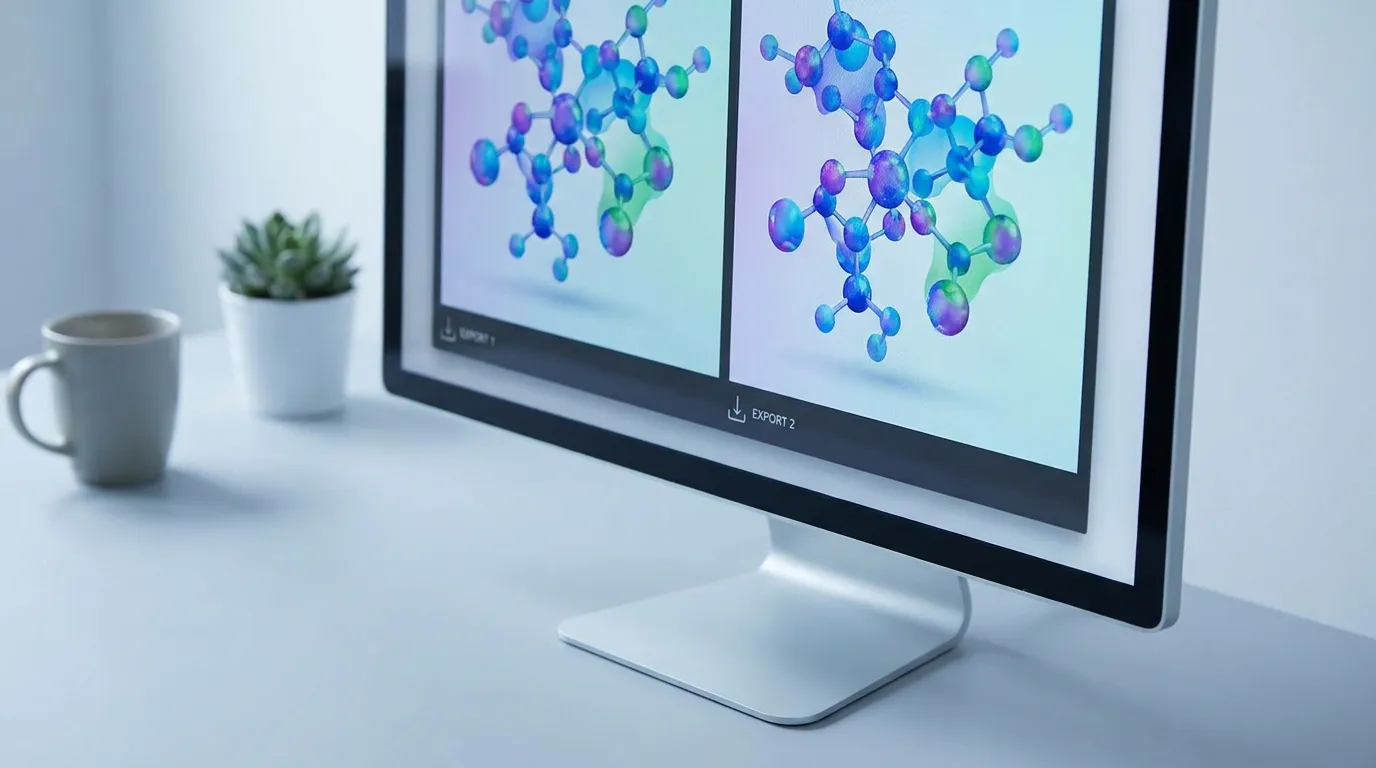
A tool that presets the correct canvas removes most of these failure points automatically. Graphab sets the size, DPI, and color space for each major publisher, so the export matches the guidelines without manual fiddling. For a deeper reference on sizing, see our guide to graphical abstract size and DPI requirements.
Most rejections come down to a handful of fixable specs. Get the dimensions, resolution, and format right, keep the design focused on one finding, and your abstract clears production on the first pass.
Paste your paper abstract and Graphab drafts a publication-ready figure, sized for your target journal.